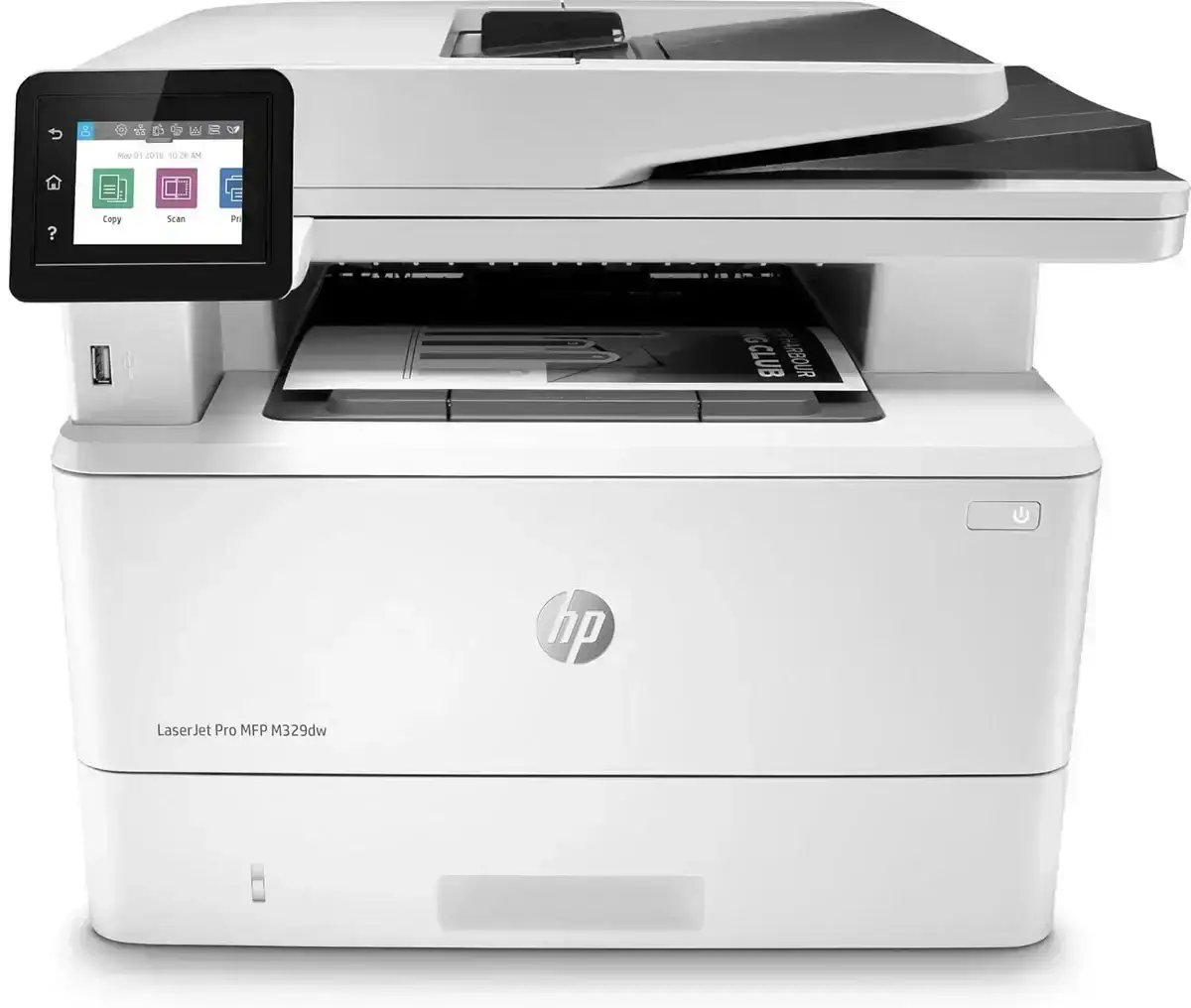
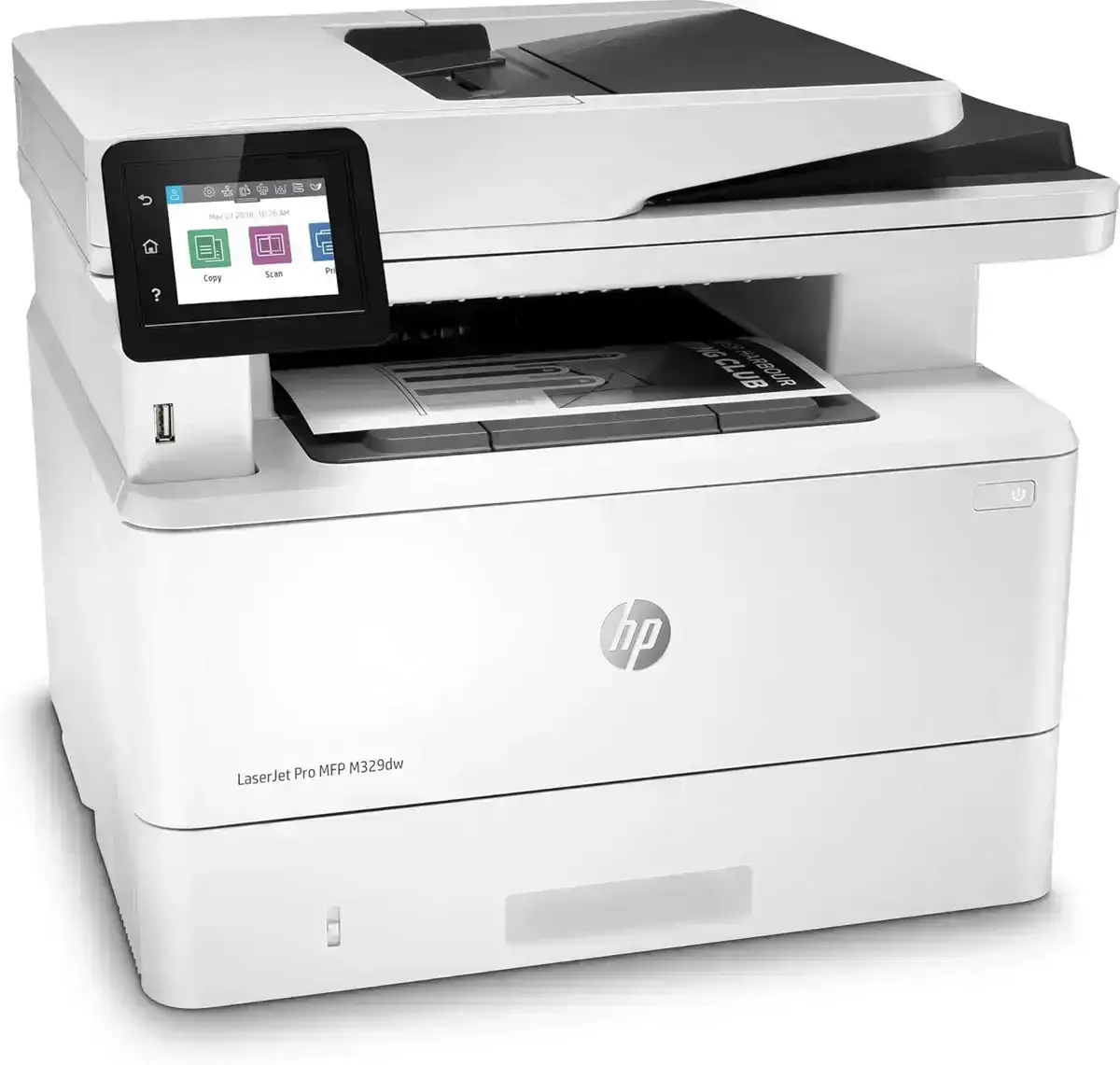
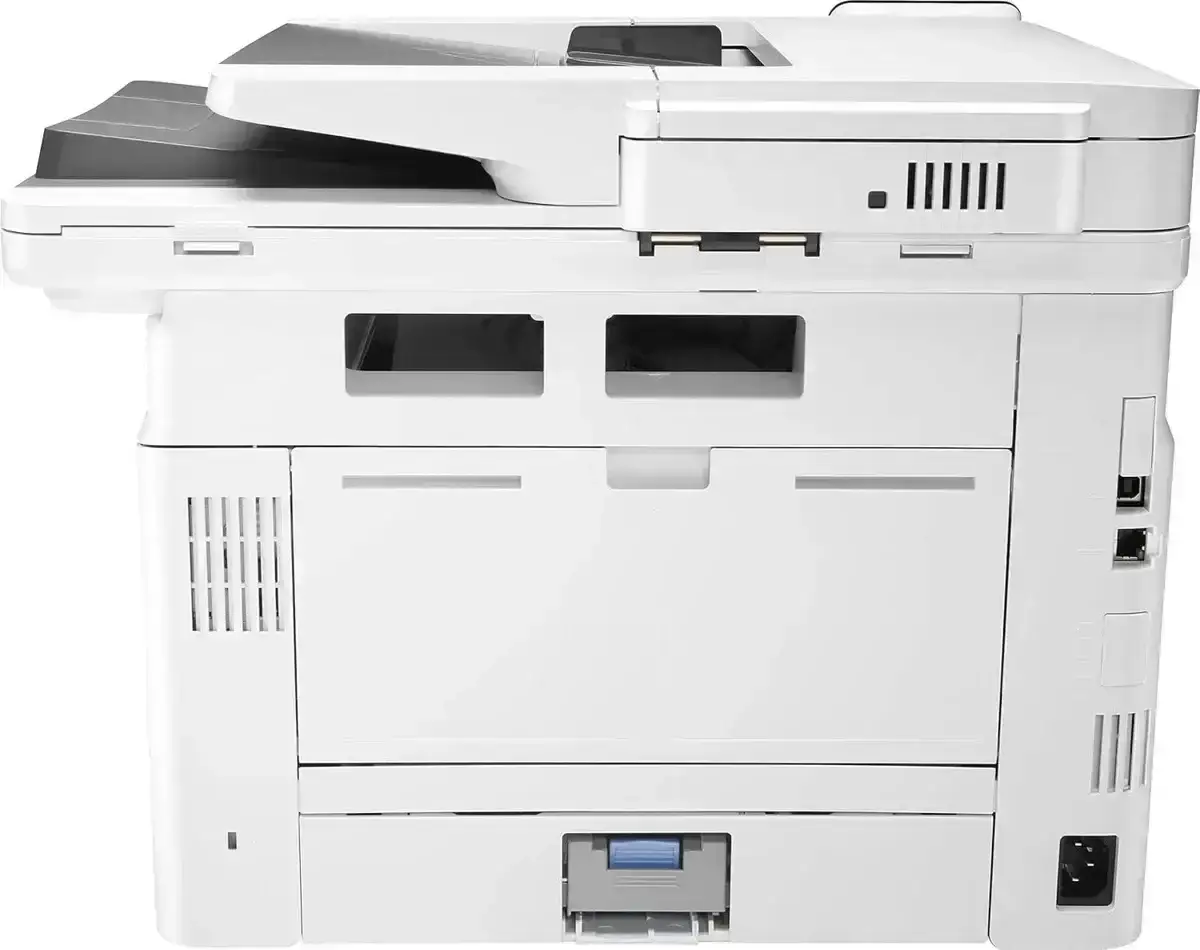
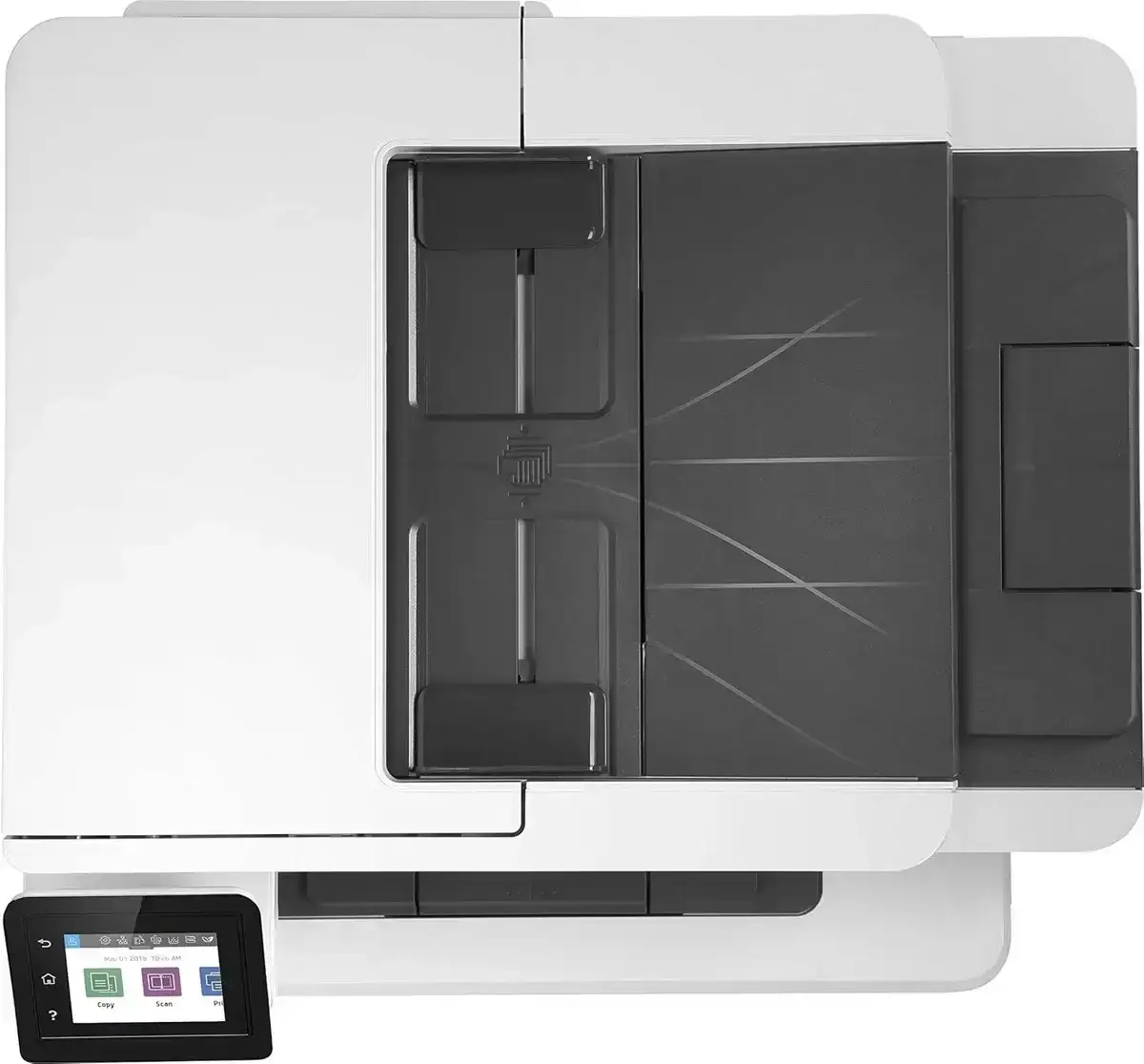
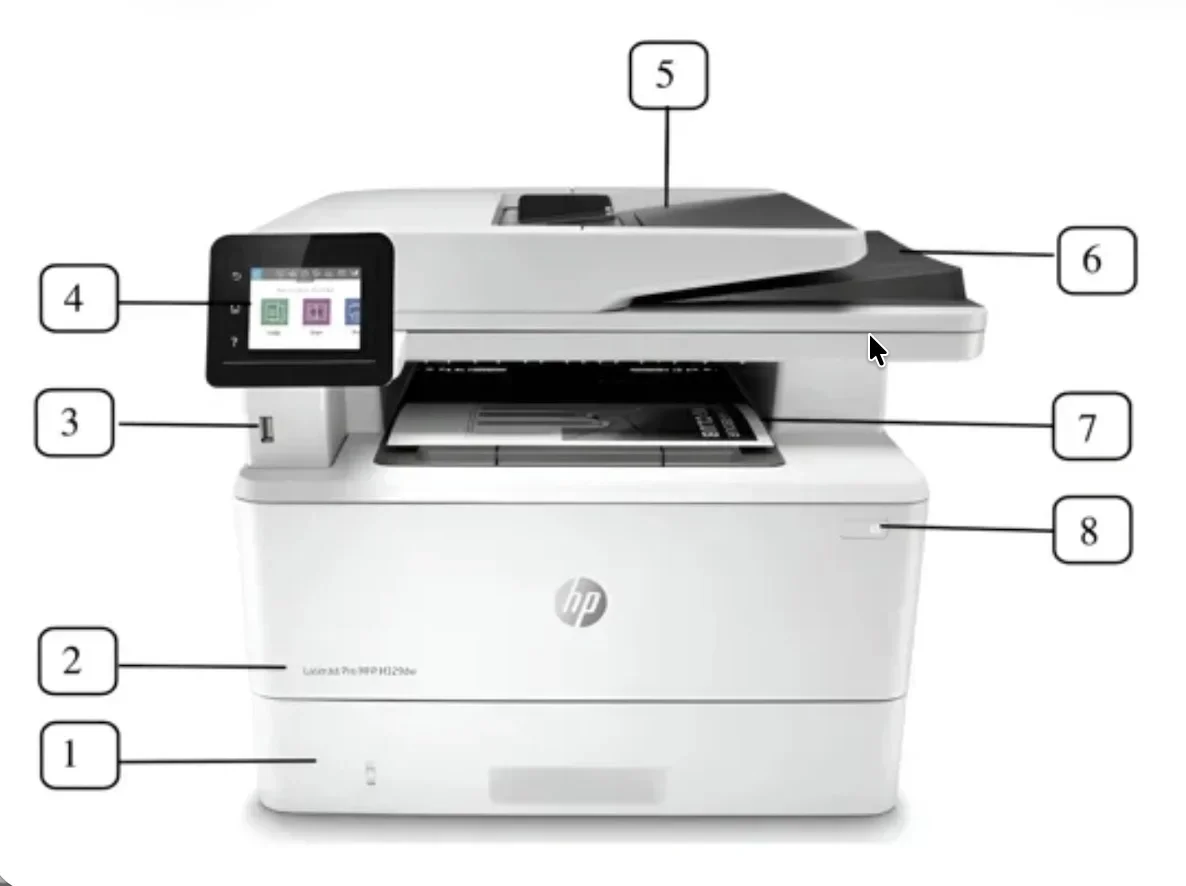
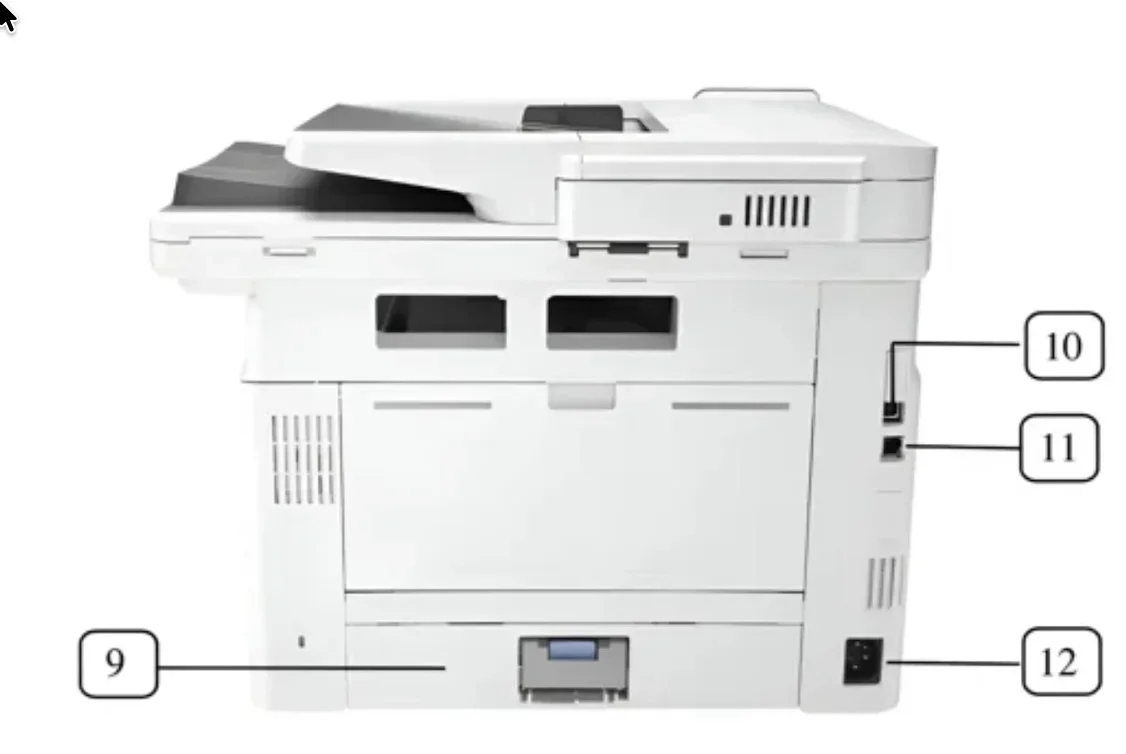
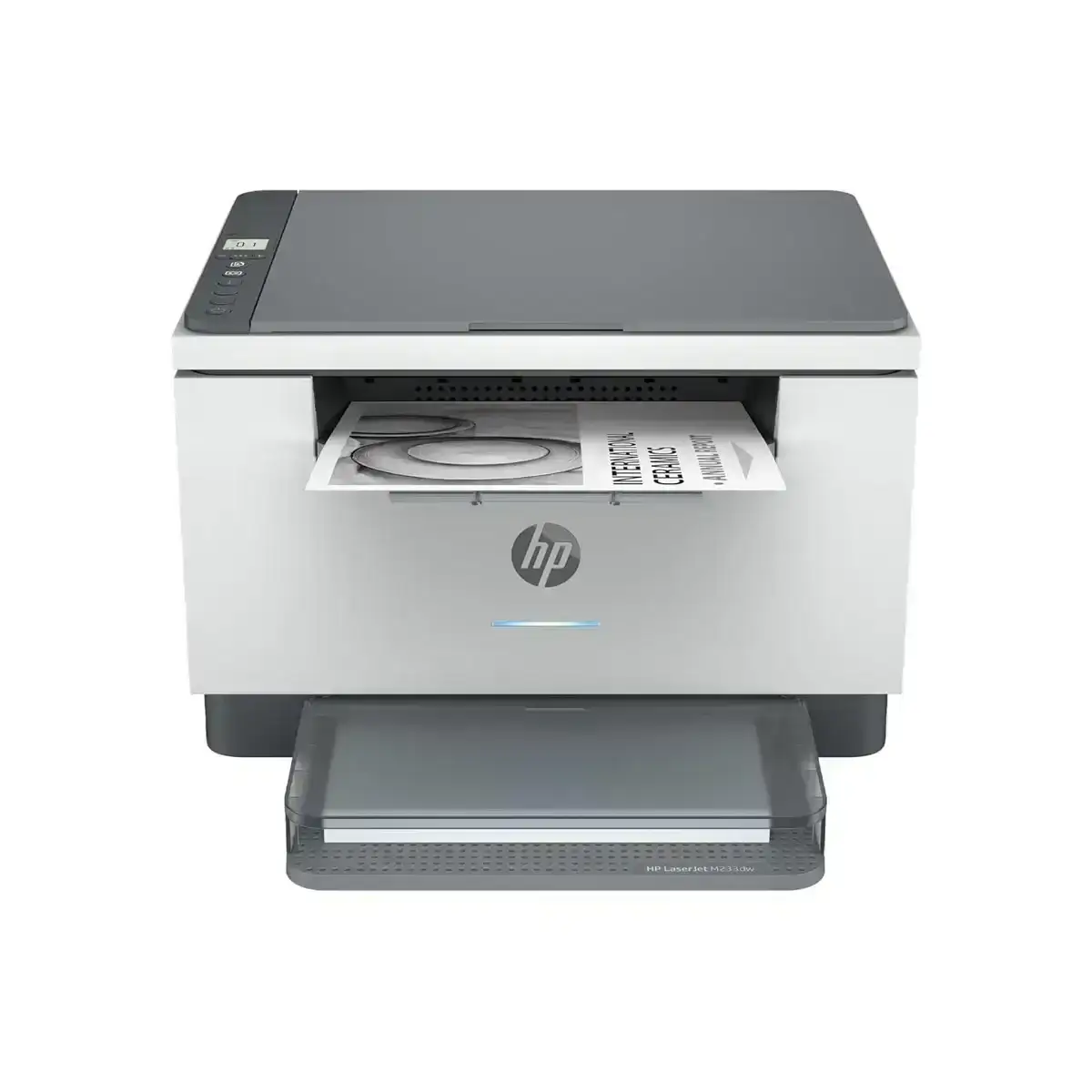
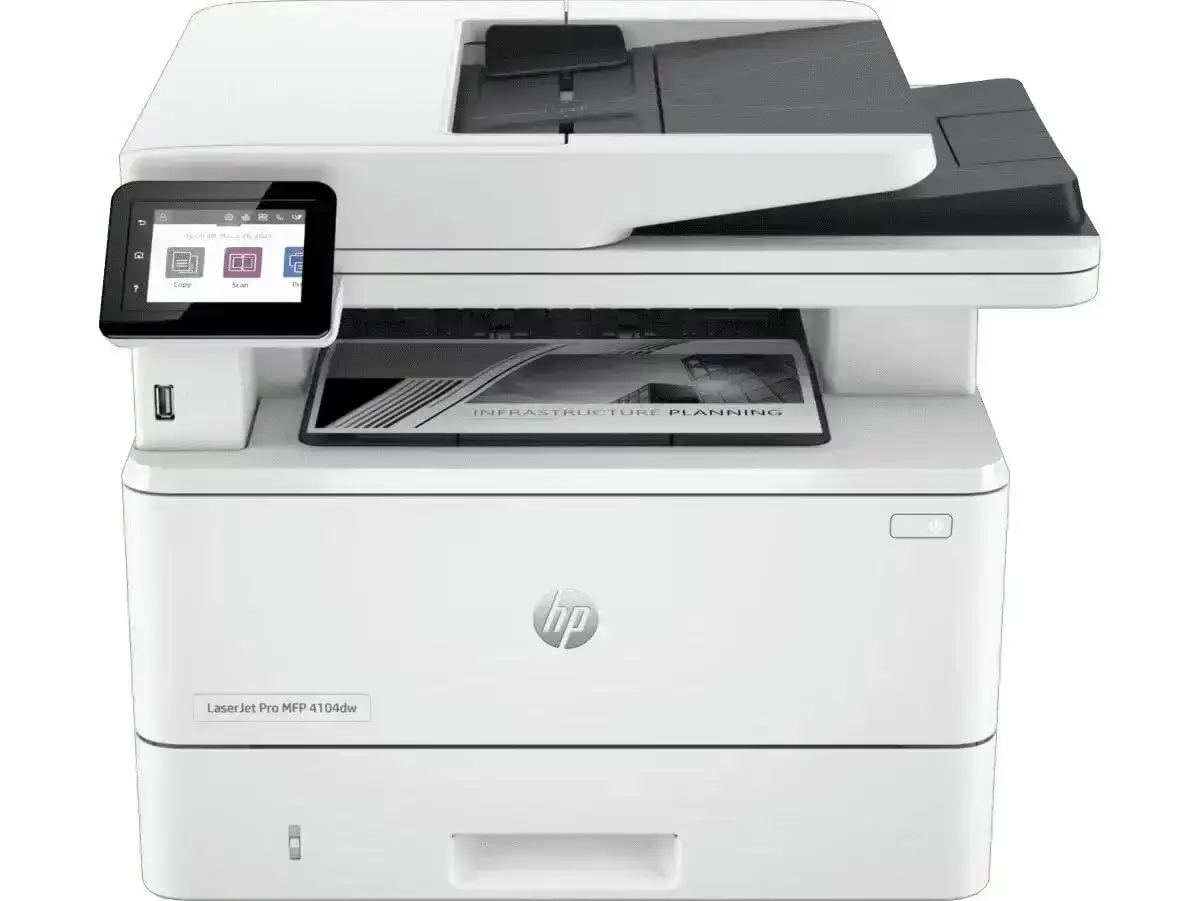
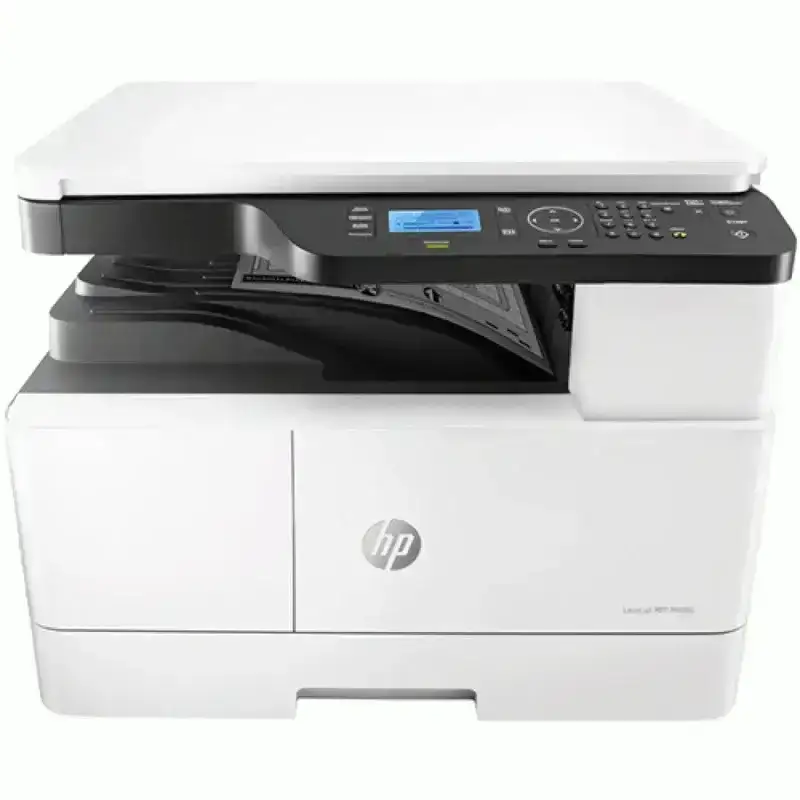
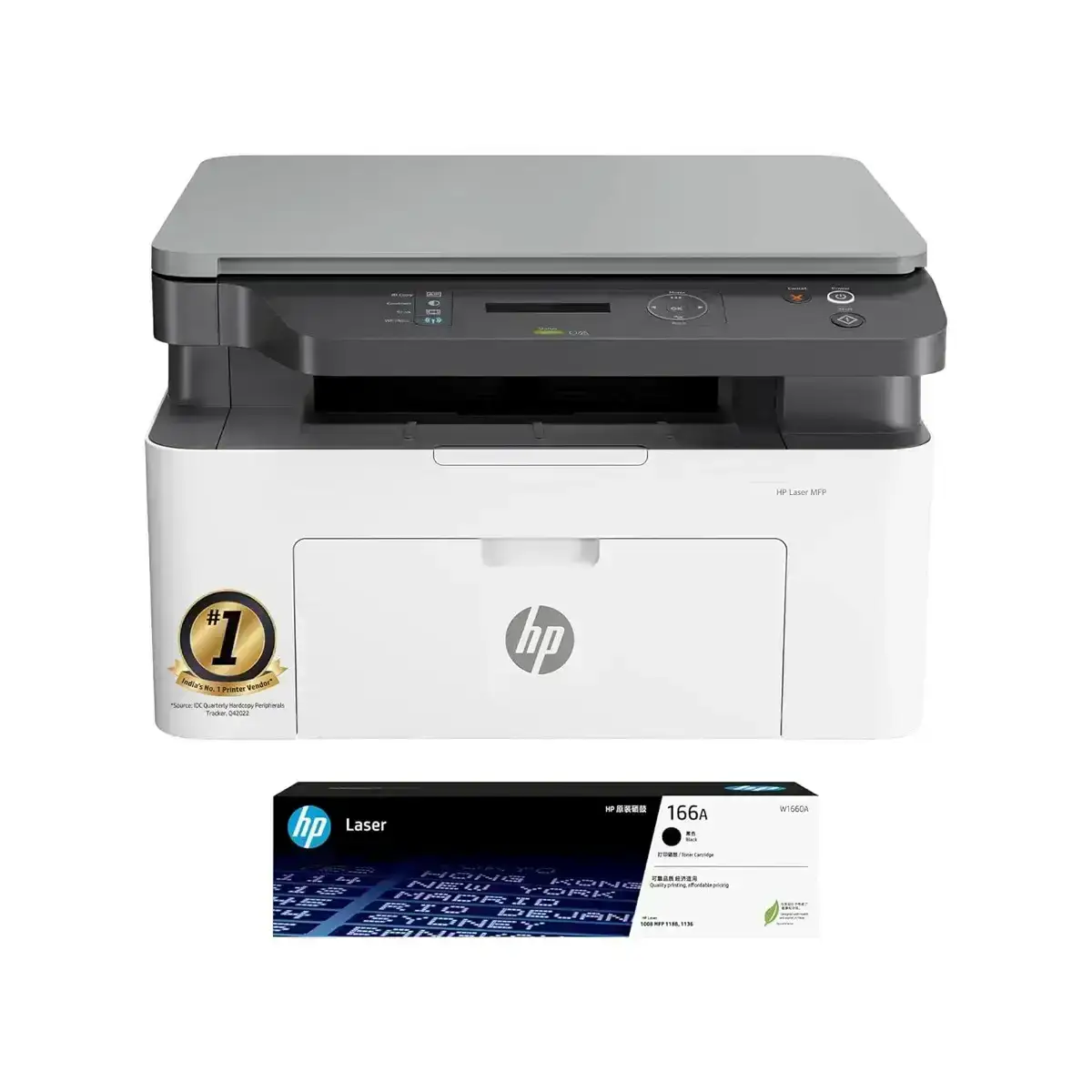
HP LaserJet Pro MFP M329dw All-in-One Printer – High-Speed Monochrome Laser, Duplex, Wi-Fi, ADF, Office Printer
The HP LaserJet Pro MFP M329dw multifunction printer is a powerful All-in-One monochrome laser printer built
for businesses and home offices that require fast printing, reliable performance, and advanced multifunction
capabilities. With professional-grade print, scan, copy, and fax features integrated into a compact device,
this HP multifunction printer is designed to maximize productivity.
Engineered for small businesses, corporate offices, remote work setups, and high-volume printing environments,
the HP M329dw All-in-One Printer offers superior speed, secure connectivity, and ultra-sharp print quality.
All-in-One Functionality (Print + Copy + Scan + Fax)
The HP LaserJet Pro MFP M329dw replaces multiple office machines with one advanced multifunction device.
- Print: Sharp monochrome laser printing
- Copy: Fast document copying
- Scan: High-resolution flatbed and ADF scanning
- Fax: Secure faxing capability
This compact MFP is ideal for businesses needing a multifunction laser printer.
Fast Monochrome Printing – Up to 35 ppm
The HP M329dw All-in-One Printer delivers high-speed black-and-white printing at up to 35 pages per minute.
- Business reports
- Invoices
- Corporate documents
- High-volume office printing
Quick first-page-out ensures minimal wait time.
High-Resolution Printing – 1200 × 1200 dpi
This HP LaserJet Pro printer produces crisp text and clear graphics ideal for:
- Legal documents
- Business proposals
- Financial statements
- Professional reports
Automatic Duplex Printing (2-Sided)
Save time and reduce paper consumption with auto duplex printing included as a standard feature.
Advanced ADF Scanning for Multi-Page Documents
The built-in Automatic Document Feeder enables fast scanning and copying of multi-page documents.
- Contracts
- Forms
- Batch scanning
- Digital archiving
Smart Connectivity – Wi-Fi, Wi-Fi Direct, Ethernet, USB
The HP LaserJet Pro MFP M329dw provides flexible and secure connectivity options:
- Dual-Band Wi-Fi (2.4 GHz / 5 GHz)
- Wi-Fi Direct – print without router
- Ethernet for office networks
- USB 2.0
Supports major mobile printing platforms:
- HP Smart App
- Apple AirPrint
- Mopria Print Service
- Google Cloud Print
Intuitive 2.7-inch Color Touchscreen
Easy-to-use color touchscreen for:
- Quick controls
- Scan to email
- Workflow shortcuts
- Secure print management
High Productivity & Business-Class Performance
- Duty cycle: Up to 80,000 pages
- Recommended monthly volume: 750–4000 pages
- Input capacity: 250-sheet tray + 100-sheet multipurpose tray
- Auto On/Off technology
- Energy-efficient HP toner
HP Wolf Security – Enterprise-Level Protection
- Secure boot
- Firmware verification
- Password-protected printing
Why the HP LaserJet Pro MFP M329dw Is the Best Choice
- Best HP All-in-One printer for business
- Fast, reliable, high-quality printing
- Wireless and mobile-friendly
- Saves time with duplex printing & ADF
- Compact design fits any office
- Perfect for SMBs, home offices & enterprises
- Supports direct mobile printing
FAQs for HP LaserJet Pro MFP M329dw All-in-One Printer
1. What is the HP LaserJet Pro MFP M329dw used for?
The HP M329dw is designed for fast business printing, office scanning, copying, and secure faxing.
2. Is the HP M329dw a wireless printer?
Yes, it supports Wi-Fi, Wi-Fi Direct, Ethernet, USB, AirPrint, Mopria, and HP Smart App.
3. How fast does the HP M329dw print?
Up to 35 ppm for fast professional printing.
4. Does the HP M329dw support duplex printing?
Yes, automatic 2-sided printing is included.
5. What is the print quality?
1200 × 1200 dpi for crisp text and sharp graphics.
6. Does it include an ADF?
Yes, ideal for contracts, forms, and batch scanning.
7. Is it good for high-volume printing?
Absolutely — up to 80,000 pages duty cycle.
8. Can I print from my smartphone?
Yes, using HP Smart App, AirPrint, and Mopria.
9. What toner does it use?
HP 59A (standard) and HP 59X (high-yield).
10. Does it include HP Wolf Security?
Yes, including secure boot and firmware validation.
11. Suitable for home office?
Yes, compact and wireless — perfect for home offices.
12. Can it scan to email or cloud?
Yes, via touchscreen and HP Smart App.
13. Energy-efficient?
Uses EcoSmart toner and Auto On/Off Technology.
14. Easy to set up?
Yes, simple setup via Wi-Fi/USB and HP Smart App.
15. Why is it better than competitors?
Fast print speed, strong security, ADF, low cost-per-page, and durability.