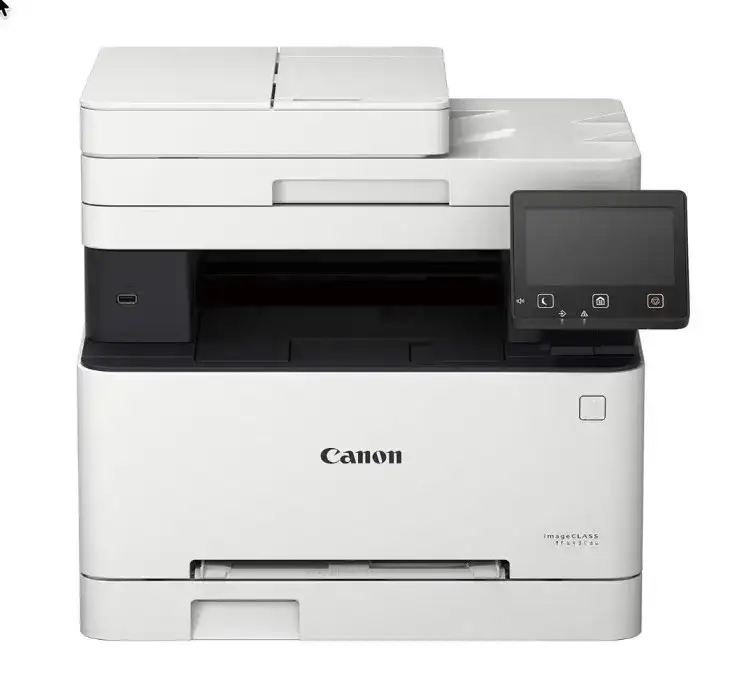
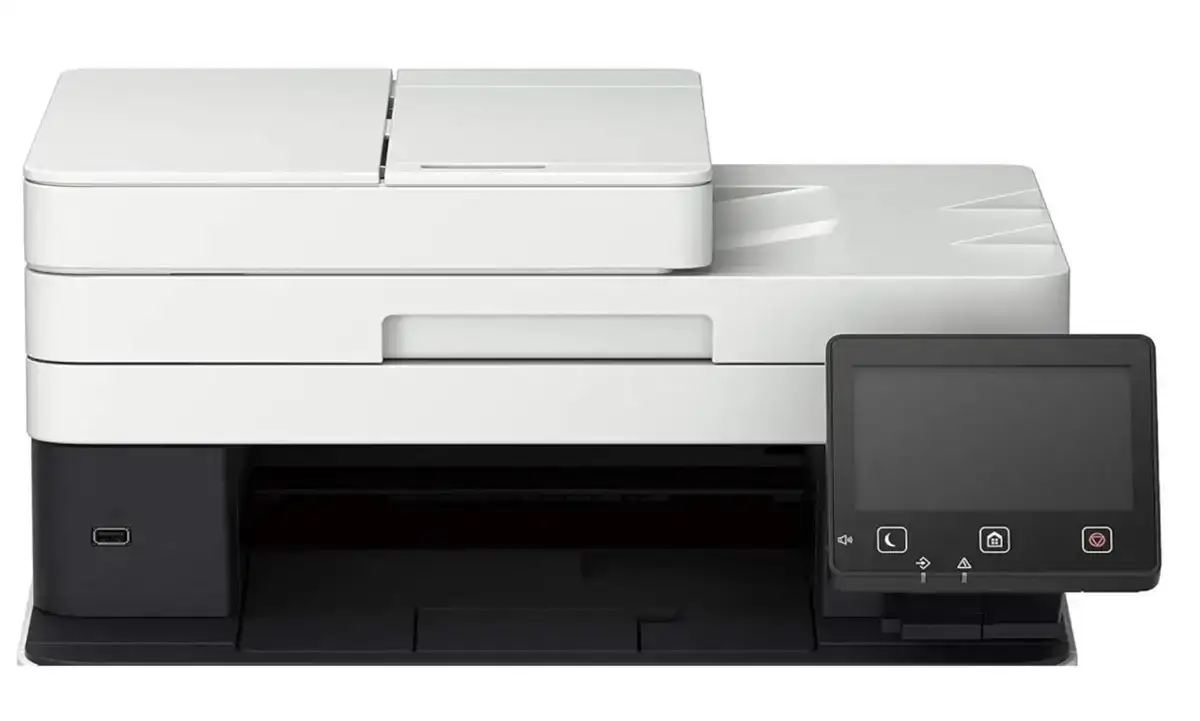
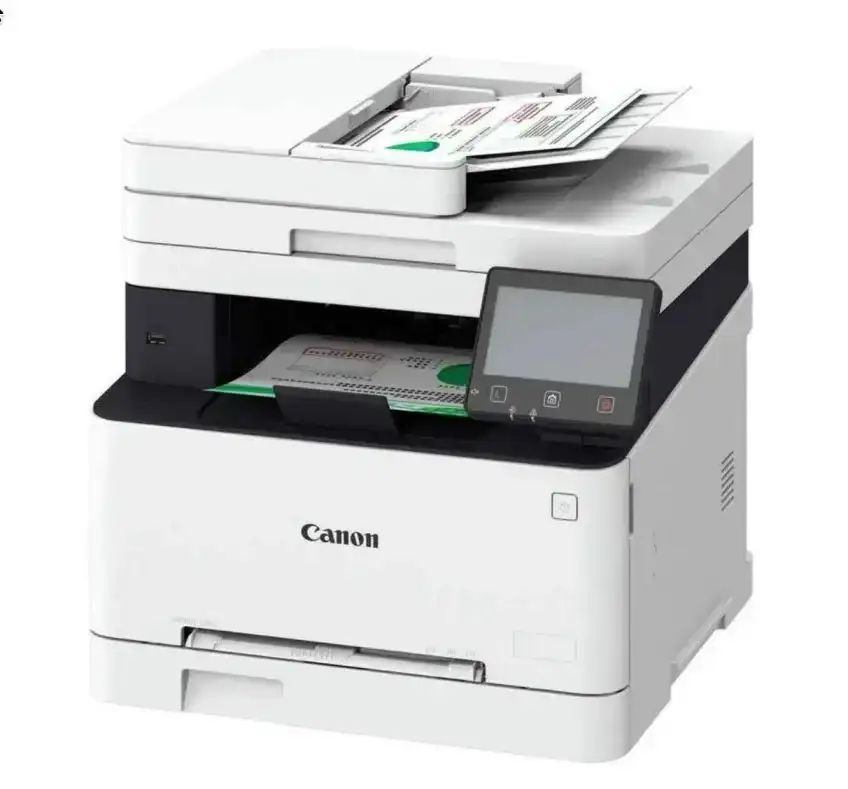
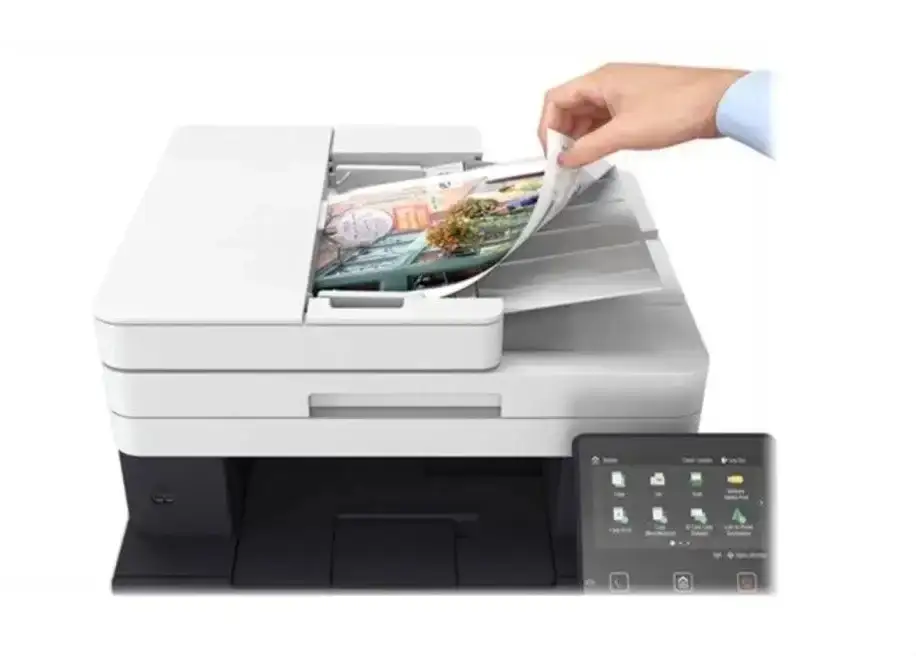
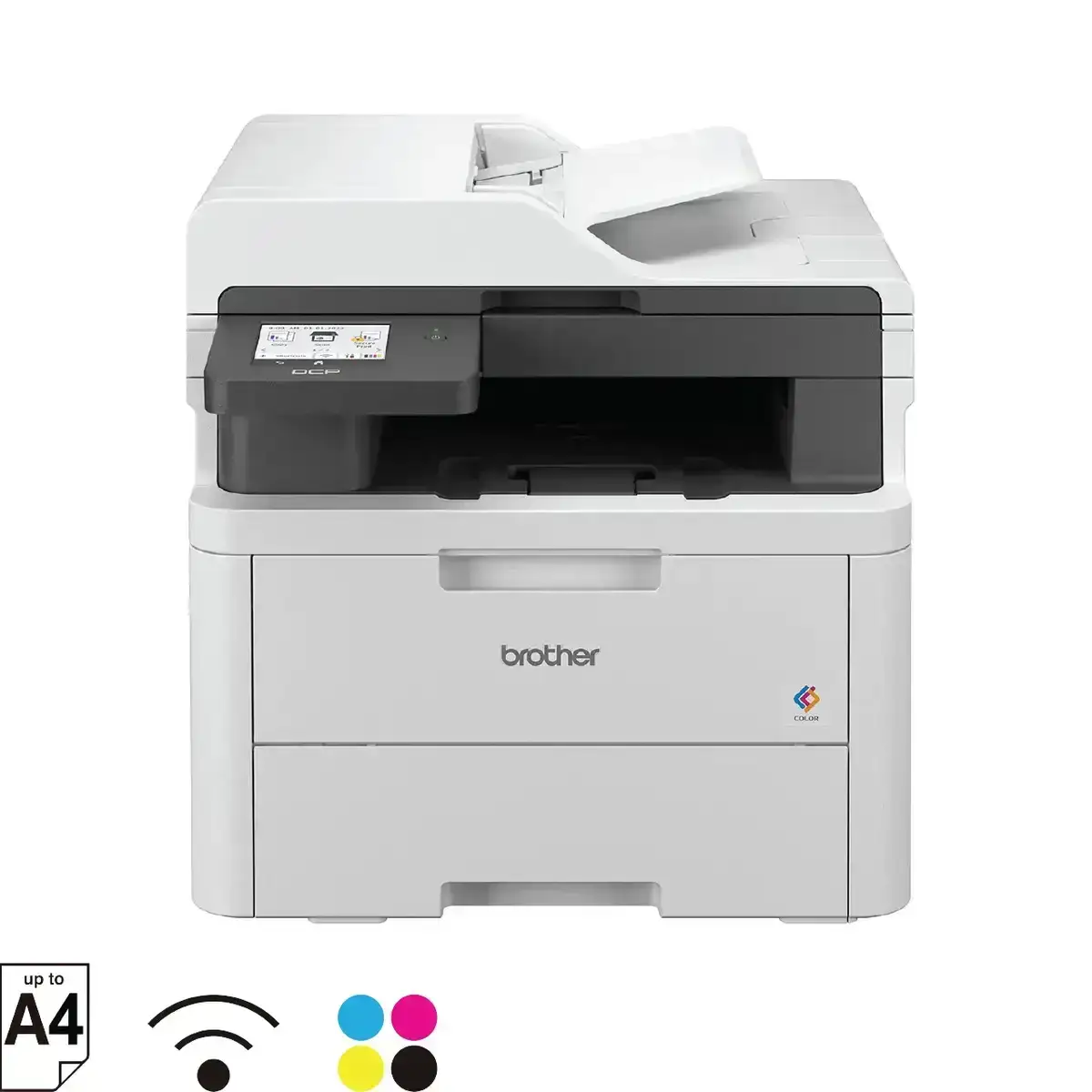
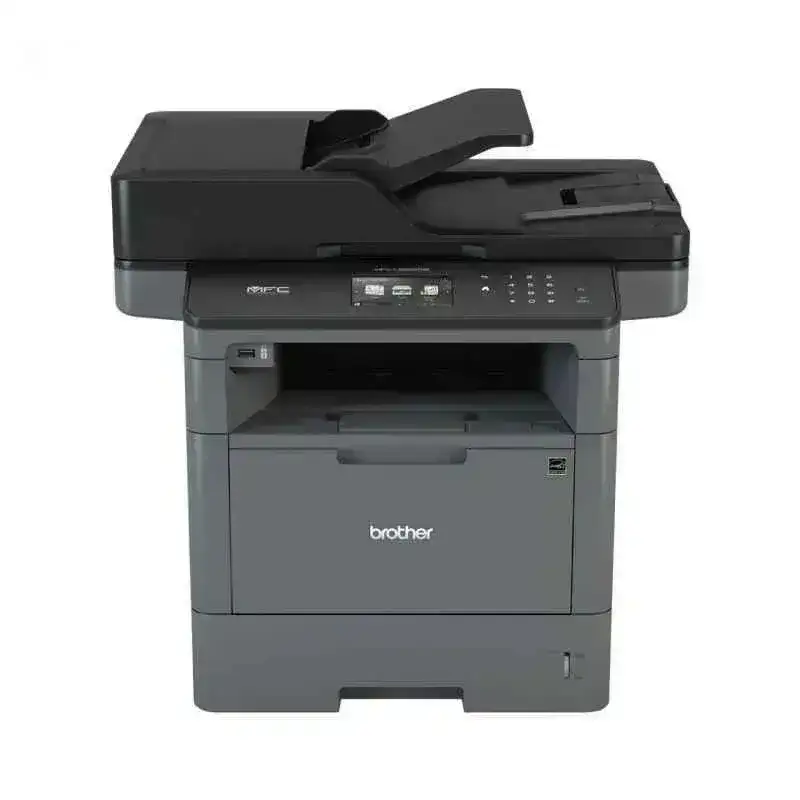
Canon imageCLASS MF643Cdw Functions
The Canon imageCLASS MF643Cdw is a powerful color multifunction laser printer designed for home offices, small businesses, and fast-paced work environments that require high-quality output and smart productivity features. Packed with advanced functions like print, scan, copy, and wireless connectivity, the MF643Cdw offers professional-grade performance with exceptional ease of use.
⭐ 1. Print Function – High-Quality Color Laser Printing
The Canon MF643Cdw delivers sharp, vibrant, and consistent output for both text and graphics.
Key printing capabilities include:
- Color & Monochrome Laser Printing: Produces professional prints at up to 1200 × 1200 dpi (equivalent).
- Fast Print Speed: Up to 21 pages per minute (ppm) for both color and black & white.
- Automatic Duplex Printing: Built-in duplex for efficient two-sided printing.
- Quick First Print Technology: First print out time approx. 10.4 seconds.
- Mobile & Cloud Printing Support: Compatible with Canon PRINT Business App, Google Cloud Print, Apple AirPrint, Mopria Print Service.
These features make the MF643Cdw an excellent choice for high-quality documents, reports, marketing materials, and everyday tasks.
⭐ 2. Copy Function – Efficient & Clear Copying
The Canon imageCLASS MF643Cdw is equipped with a fast and accurate copy engine suitable for business documentation.
- Copy Speed: Up to 21 cpm
- Copy Resolution: 600 × 600 dpi
- ID Card Copying: Quick front-and-back ID scanning
- N-in-1 Copy: Combine multiple pages into one
- Frame Erase Copy: Removes dark frames from book copies
- Color Copy Support: Produces bright, precise duplicates
Its intuitive 5-inch touchscreen makes copy operations simple and professional.
⭐ 3. Scan Function – High-Resolution Scanning
The scanner on the Canon MF643Cdw provides versatile and detailed scanning for office-level digitization.
- Flatbed Color Scanner
- Optical Resolution: Up to 600 × 600 dpi
- Interpolated Resolution: Up to 9600 × 9600 dpi
- File Formats Supported: PDF, JPEG, TIFF
- Scan to: Email, SMB, USB
- CIS Sensor: Ensures crystal-clear scanning results
Ideal for scanning contracts, IDs, receipts, photos, and multi-page documents.
⭐ 4. Wireless & Mobile Connectivity
The Canon imageCLASS MF643Cdw offers seamless wireless connectivity for modern workspaces.
- Wi-Fi (802.11b/g/n)
- Wi-Fi Direct
- USB 2.0 High-Speed
- Ethernet LAN
- Mobile Printing: AirPrint, Canon Print Business App, Mopria, Cloud printing
Wireless functionality ensures users can print or scan even without a router.
⭐ 5. Touchscreen Control Panel – 5-Inch Color Display
The printer includes a 5-inch intuitive touchscreen that simplifies navigation and operations.
- Customizable home screen
- Easy access to cloud & mobile printing
- Fast setup and user management
- Clear display of toner information & network settings
The modern UI helps reduce training time and boosts productivity.
⭐ 6. Security Features for Business Protection
- Secure Print – Password-protected output
- Department ID Management – Control user access
- Encrypted Network Communication
- Restrict Unauthorized Printing
These features ensure data protection and secure office workflows.
⭐ 7. Energy Efficiency & Low Running Cost
- Auto Shutdown Mode
- Energy-saving Sleep Mode
- Low TEC (Typical Electricity Consumption)
- Canon 054 / 054H long-lasting toner cartridges
The high-yield 054H toners reduce cost per print and extend replacement cycles.
✔ Final Thoughts – Why the Canon imageCLASS MF643Cdw is a Strong Choice
The Canon imageCLASS MF643Cdw multifunction color laser printer offers the perfect blend of speed, quality, wireless convenience, and business-grade features. With printing, scanning, copying, and smart connectivity in one machine, it’s ideal for:
- Home offices
- Small businesses
- Startups
- Educational institutions
- Work-from-home users
- Retail and service centers
Its impressive reliability and crisp output make it one of the best Canon multifunction models in its category.
Canon imageCLASS MF643Cdw Ports
The Canon imageCLASS MF643Cdw is a feature-rich color multifunction laser printer widely used in homes, offices, and small businesses. One of its strongest advantages is its versatile connectivity options. Understanding the Canon MF643Cdw ports helps users set up the device correctly and optimize network performance, printing speed, and compatibility.
⭐ 1. USB 2.0 High-Speed Device Port (Type-B Port)
The USB 2.0 device port is the primary wired connection for directly linking the MF643Cdw to a computer or laptop.
Why This Port Matters:
- Provides a stable and fast wired connection
- Best for single-user environments where Wi-Fi is not needed
- Ensures low latency printing, ideal for heavy print workloads
- Perfect for Windows and macOS USB printing environments
This port is especially reliable for users who need consistent output without interruptions from network issues.
⭐ 2. USB Host Port (Front USB Port for Flash Drives)
The front USB host port allows printing and scanning directly from a USB drive, making the Canon MF643Cdw extremely convenient in office workflows.
Key Features of the USB Host Port:
- Print directly from USB (PDF, JPEG, TIFF, and more)
- Scan and save files to USB flash drives
- Does not require a computer or smartphone
- Ideal for walk-in customers, shared offices, and fast printing tasks
This port increases productivity by enabling stand-alone operations without computer dependency.
⭐ 3. Ethernet LAN Port (RJ-45 Network Port)
The Canon imageCLASS MF643Cdw is equipped with a dedicated Ethernet RJ-45 port for wired network connectivity.
Benefits of the Ethernet Port:
- Provides a secure, stable, and reliable wired network
- Allows multiple users to share the printer across an office network
- Supports business environments where Wi-Fi may be restricted
- Excellent for high-volume printing and heavy workloads
- Ensures maximum uptime with minimal network interference
Ethernet connectivity is a preferred option in enterprise setups for maximum performance and security.
⭐ 4. Wireless Connectivity (Internal Wi-Fi Port Equivalent)
Although not a physical port, the built-in wireless module acts like a virtual connectivity port, enabling complete wireless operations.
Wireless Features:
- Supports Wi-Fi 802.11b/g/n
- Enables printing from laptops, PCs, mobile phones, and tablets
- Works with Canon PRINT Business App, Apple AirPrint, Mopria
- Wi-Fi Direct allows printing without a router
- Reduces cable clutter and allows flexible printer placement
Wireless connectivity is essential for modern printing, especially in home offices and flexible workspaces.
⭐ 5. Fax Port – Not Included in MF643Cdw
Unlike some multifunction printers, the Canon MF643Cdw does not include a fax port or telephone line jack.
This model focuses on printing, scanning, copying, mobile printing, and network connectivity, without fax capability.
Summary Table: Canon imageCLASS MF643Cdw Ports
| Port / Connection Type |
Availability |
Function |
| USB 2.0 Device Port |
✔ |
Direct PC-to-printer connection |
| Front USB Host Port |
✔ |
Print/Scan from USB flash drives |
| Ethernet RJ-45 Port |
✔ |
Wired network printing for multiple users |
| Wi-Fi (Internal Module) |
✔ |
Wireless + mobile printing |
| Fax Line Port |
✘ |
Not supported |
Ways to Use the Canon imageCLASS MF643Cdw ?
The Canon imageCLASS MF643Cdw is a multifunction color laser printer built for modern workplaces and home offices. With printing, scanning, copying, wireless connectivity, and cloud-ready features, this device can be used in several productive ways.
⭐ 1. Use the MF643Cdw for High-Quality Color Printing
One of the primary ways to use the Canon MF643Cdw is for producing professional-grade color prints. This includes:
- Business documents
- Reports and brochures
- Marketing flyers
- Invoices and letters
- Color graphics and charts
- High-resolution images
Its 1200 × 1200 dpi equivalent print quality ensures sharp text and vibrant graphics, making it suitable for office and creative work.
⭐ 2. Use It as a Reliable Office Copier
Another way to use the MF643Cdw is as a multi-purpose office copier. It supports:
- Color & black-and-white copying
- ID card copy
- N-in-1 copy (multiple pages on one sheet)
- Book and frame erase copy
- Enlargement and reduction
This makes the printer ideal for day-to-day tasks like duplicating documents, forms, receipts, and training materials.
⭐ 3. Use It for High-Resolution Scanning
The Canon MF643Cdw can be used as a complete document scanner, helping users digitize paperwork. You can use it to scan:
- Business contracts
- Legal documents
- Photos and ID cards
- Bills and invoices
- Multi-page PDFs
- Certificates and records
Files can be scanned to email, USB, PC, or network folder, making it perfect for digital filing and workflows.
⭐ 4. Use It for Mobile & Cloud Printing
One of the best ways to use the Canon MF643Cdw is through mobile and cloud printing, which allows printing without a computer.
Supported platforms:
- Canon PRINT Business App
- Apple AirPrint
- Mopria
- Wi-Fi Direct
- Mobile scanning app
This is extremely useful for work-from-home users, students, and busy office staff who need fast, cable-free printing.
⭐ 5. Use It for USB Flash Drive Printing & Scanning
The front USB host port gives the MF643Cdw another powerful use:
- Print directly from a pen drive
- Scan directly to a pen drive
Ideal for:
- Retail shops
- Cyber cafes
- Shared office environments
- Quick walk-in print tasks
No computer or internet connection is required.
⭐ 6. Use It for Business Networking & Shared Office Printing
Thanks to Ethernet LAN and Wi-Fi, the printer is perfect for shared office use. Multiple users can:
- Print from their desktop
- Scan to network folders
- Share the device across departments
- Access the printer from different rooms
This makes the MF643Cdw an excellent choice for small businesses, startups, and co-working spaces.
⭐ 7. Use It for Secure & Professional Document Handling
The MF643Cdw includes many business-grade functions that enhance security and workflow control. You can use it for:
- Secure Print (password-protected printing)
- Department ID management
- Restricted user access
- Controlled printing for staff or customers
This is valuable for clinics, offices, institutions, and small firms that handle sensitive information.
⭐ 8. Use It for Cost-Effective, Long-Term Printing
The Canon MF643Cdw uses Canon 054 / 054H toner cartridges, which last longer and reduce printing cost per page. This makes the printer suitable for:
- High-volume office printing
- School & academic workloads
- Business documentation
- Long-term use with consistent-quality output
It balances performance and affordability effectively.
✔ Final Thoughts – Best Ways to Use the Canon imageCLASS MF643Cdw
The Canon imageCLASS MF643Cdw can be used in many productive ways, including:
- Professional color printing
- Office copying
- High-quality scanning
- Wireless and mobile printing
- USB drive operations
- Shared office networking
- Secure document handling
- Cost-efficient daily use
With its multifunction capabilities, wireless options, and excellent print output, it serves as an all-in-one machine for homes, small enterprises, educational institutions, and professional workplaces.